


Introduction

Kaizen events (rapid improvement workshops) are core to continuous improvement in Mittelstand companies. Choosing the right digital tool affects preparation, data capture, team collaboration, follow-up and, ultimately, the sustainability of improvements. This article compares two common approaches: using Excel and using a purpose-built platform like BeLean. It aims to help operations managers, CI leaders and plant managers decide which solution fits their organization.
What defines a successful Kaizen event in the Mittelstand?
- Clear problem definition and measurable objectives
- Efficient data capture and analysis during the event
- Real-time collaboration across the team and stakeholders
- Traceable action items, owners and deadlines
- Standardized documentation and easy transfer to daily management
- Scalability for multiple parallel events
Excel for Kaizen events: strengths and limitations
Strengths
- Ubiquity: Most users already know Excel — low initial training.
- Flexibility: Templates can be adapted quickly to different event formats (5S, VSM, A3, PDCA).
- Low upfront cost: Included with existing office licenses.
Limitations

- Version control and collaboration: Multiple copies and email exchanges create conflicting versions and lost changes.
- Real-time data capture: Hard to capture pictures, timestamps and input from shop floor devices in a structured way.
- Traceability: Linking actions to KPIs and follow-up is manual and error-prone.
- Scaling: Managing dozens of events across sites becomes administratively heavy.
BeLean for Kaizen events: strengths and limitations
BeLean is a digital operational excellence platform designed for Lean and Kaizen practices.
Strengths
- Structured workflows: Templates for Kaizen events enforce consistent capture of problem statements, root causes, countermeasures and follow-up.
- Real-time collaboration: Teams can work concurrently from different locations with a single source of truth.
- Multimedia support: Photos, videos, time-stamped measurements and attachments are stored with the event record.
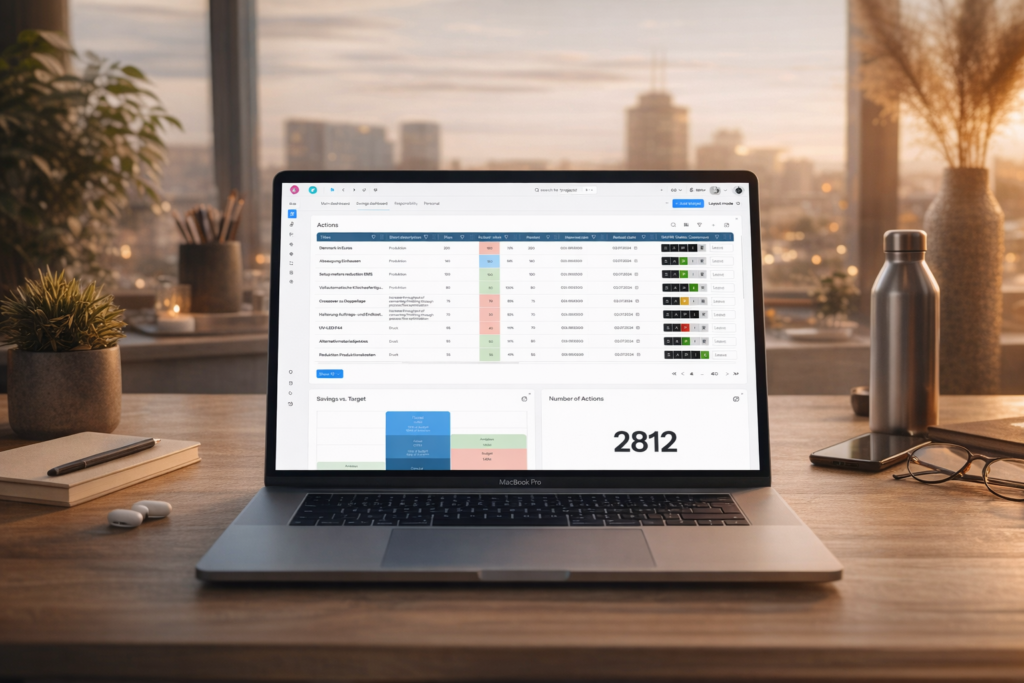
- Action tracking and KPIs: Built-in assignment, reminders and progress dashboards help close the loop.
- Scalability and governance: Central oversight for roll-up reporting across sites and continuous improvement programs.
Limitations
- Implementation effort: Requires initial setup, template configuration and training.
- Cost: Subscription or license fees versus the sunk cost of existing office software.
- Change management: Teams used to ad-hoc Excel workflows may resist structured tooling without clear sponsorship.
Head-to-head comparison
| Criteria | Excel | BeLean |
|---|---|---|
| Usability | Familiar but inconsistent | Intuitive for CI with standardized UI |
| Collaboration | Limited (version conflicts) | Real-time, role-based |
| Data integrity | Manual consolidation | Single source of truth |
| Documentation | Files and folders | Event records with media |
| Scaling | Administrative overhead grows quickly | Designed for multi-site roll-up |
| Cost | Low upfront | Subscription; higher ROI when scaled |
Implementation considerations
Choosing a tool is not only about features. Consider:
- Sponsor and governance: Executive sponsorship speeds adoption and enforces standards.
- Training: Short role-based training sessions reduce resistance — focus on event facilitators and site leads first.
- Templates and standards: Pre-configure templates (A3, PDCA, 5S) so teams don’t start from scratch.
- Integration: Consider whether the tool needs to integrate with MES, ERP or BI systems for KPI roll-up.
- Pilot and scale: Start with a pilot on 3–5 events, refine templates, then scale across sites.
- ROI tracking: Capture baseline metrics (cycle time, defects, downtime) to quantify improvement and justify ongoing subscription costs.
Recommendations by scenario
- Use Excel when: You run occasional Kaizen events, team is small, and budget is constrained. Excel works for quick pilots and individual problem-solving.
- Use BeLean when: You run repeated events across multiple sites, need centralized oversight, want faster follow-up and standardized workflows, or are scaling CI as a strategic program.
- Hybrid approach: Use Excel for early experiments, then migrate to BeLean once you standardize event structure and need better collaboration and reporting.
Checklist for selecting a Kaizen digital tool
- Do you need real-time collaboration across locations?
- Will you run more than a handful of events per year?
- Is centralized reporting and KPI roll-up required?
- Can you invest in training and change management?
- Do you need multimedia capture (photos, measurements) tied to event records?
Conclusion
Excel remains a practical entry point for single-site or sporadic Kaizen events due to familiarity and low cost. However, for Mittelstand companies serious about scaling continuous improvement, a purpose-built platform like BeLean delivers major benefits in collaboration, traceability and governance — and can accelerate ROI when combined with clear governance and training. Start small with a defined pilot, measure baseline KPIs, and choose the path that supports sustainable CI maturity.
Learn more about running Kaizen events and continuous improvement best practices on the BeLean blog: Kaizen insights, Lean Management for the Mittelstand, Operational Excellence and Continuous Improvement.
FAQ
When is Excel still a reasonable choice for Kaizen events?
Excel is reasonable for occasional, small-team Kaizen events where low cost and quick setup matter. It’s best for pilots or one-off problem-solving without requirements for cross-site reporting or real-time collaboration.
What are the quick wins when switching from Excel to BeLean?
Quick wins include single-source-of-truth event records, faster closure of action items via assignment and reminders, better documentation with photos/attachments, and roll-up dashboards for management visibility.
How long does it take to implement BeLean for Kaizen events?
A basic pilot can be configured in 2–6 weeks including template setup and training for facilitators. Wider roll-out depends on the number of sites and change management requirements.
Ready to scale your Kaizen program? Request a demo of BeLean to see how purpose-built digital tools improve collaboration, traceability and ROI for the Mittelstand: Request a demo.